JanusEye Configuration Guide
JANUSEYE CONFIGURATION GUIDE
Optimize your JanusEye surveillance
Access the Configuration
Log in to the JanusEye web interface. The default PIN code is 1234.
http://pi_ip_address:5000/ Click on the SETTINGS tab
Panel Security
The Web PIN is your access key. Set to 1234 by default, it is imperative to change it.
⚠️ Warning: After 3 failed attempts, your IP address will be banned and a security alert will be sent.
⚠️ Warning: You can test Free SMS, Email, and NTFY notifications after saving your configuration.
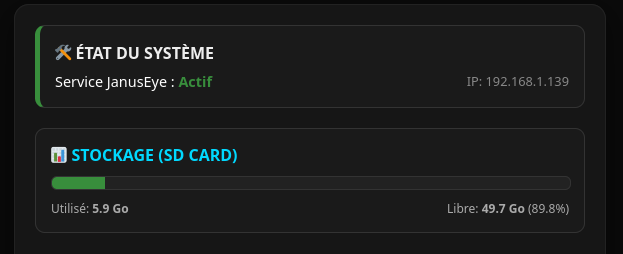
1° System Status
Find information about your system's current state.
- System active or inactive.
- Raspberry Pi IP address.
- Storage space status.
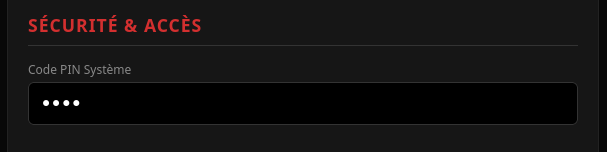
SECURITY & ACCESS
Set your four-digit PIN code.
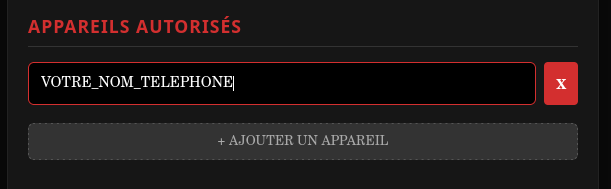
AUTHORIZED DEVICES
Enter the names of smartphones authorized to interact with JanusEye.
Example: "Peter", "Peter's Smartphone" or "Peter's Phone".
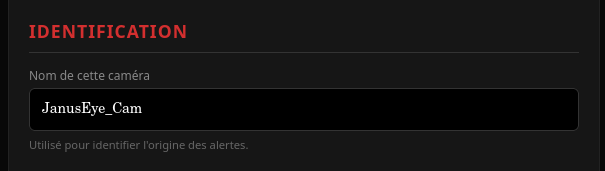
IDENTIFICATION
Give your camera a name.
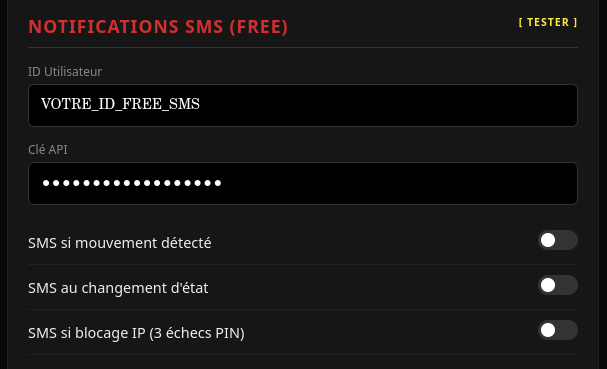
SMS NOTIFICATIONS (FREE MOBILE)
For the User ID, enter your Free Mobile login, and for the API Key, enter your identification key.
Enable the alerts you wish to receive.
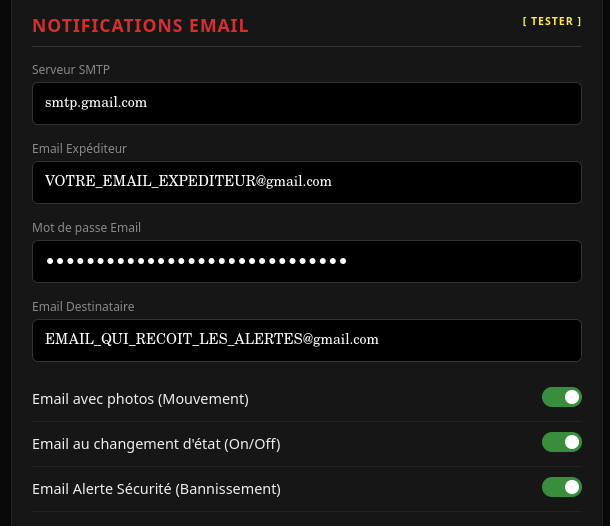
EMAIL NOTIFICATIONS
- Enter the SMTP server.
- Sender email address.
- Email password: For Gmail, you must use an **App Password** (16 characters) and not your regular password.
- Recipient email address.
Enable the alerts you wish to receive.
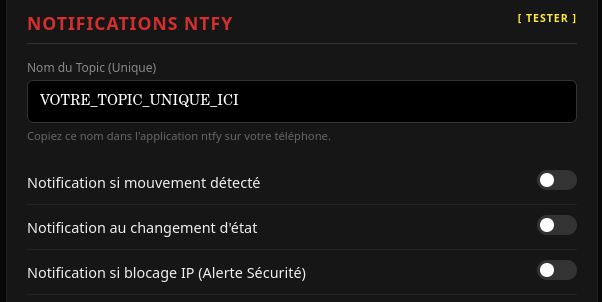
NTFY NOTIFICATION
The Topic is the name of your private channel. Choose a complex and unique word.
- Enter your topic in JanusEye.
- Install the ntfy app on your phone.
- Subscribe to the same topic within the app.
The topic acts like a password: the more unique it is, the more secure your notifications will be.
Check this page to create your topic.
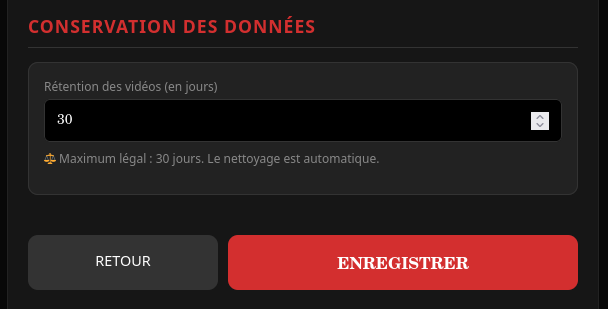
DATA RETENTION
Data retention is limited to a maximum of 30 days.
Once your settings are complete, click "SAVE".
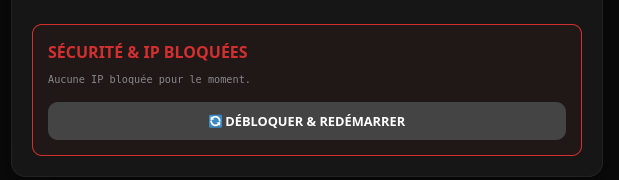
SECURITY & BANNED IPS
Unblock IPs and restart JanusEye.
CAMERA SETTINGS
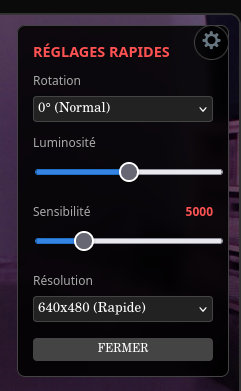
- Sensitivity: The lower the number, the more sensitive the detection (5000 is the ideal balance).
- Rotation: Useful if you mount your Raspberry Pi on the ceiling (choose 180°).
- Brightness: Increase only if your room is very dark.
- Resolution: Set according to your camera's capabilities.